Guide & Tutorial
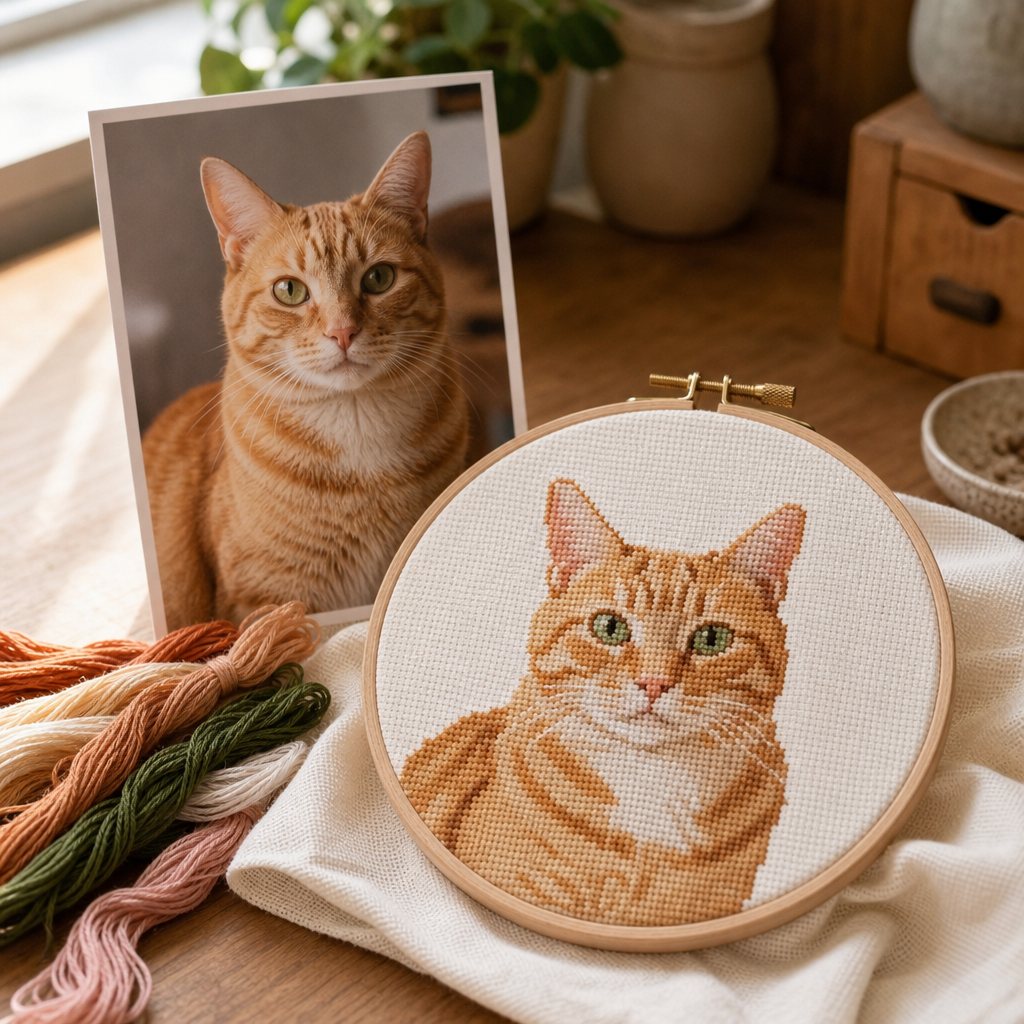
How to Make a Cross Stitch Pattern from a Photo
Step-by-step tutorial on converting images into stitchable charts: photo selection, grid sizing, DMC floss reduction, and symbol PDF exports.
Read guideA free pattern maker for cross stitch — turn a photo or an AI sketch into a printable DMC chart.
Find the starting point for your next handmade piece.
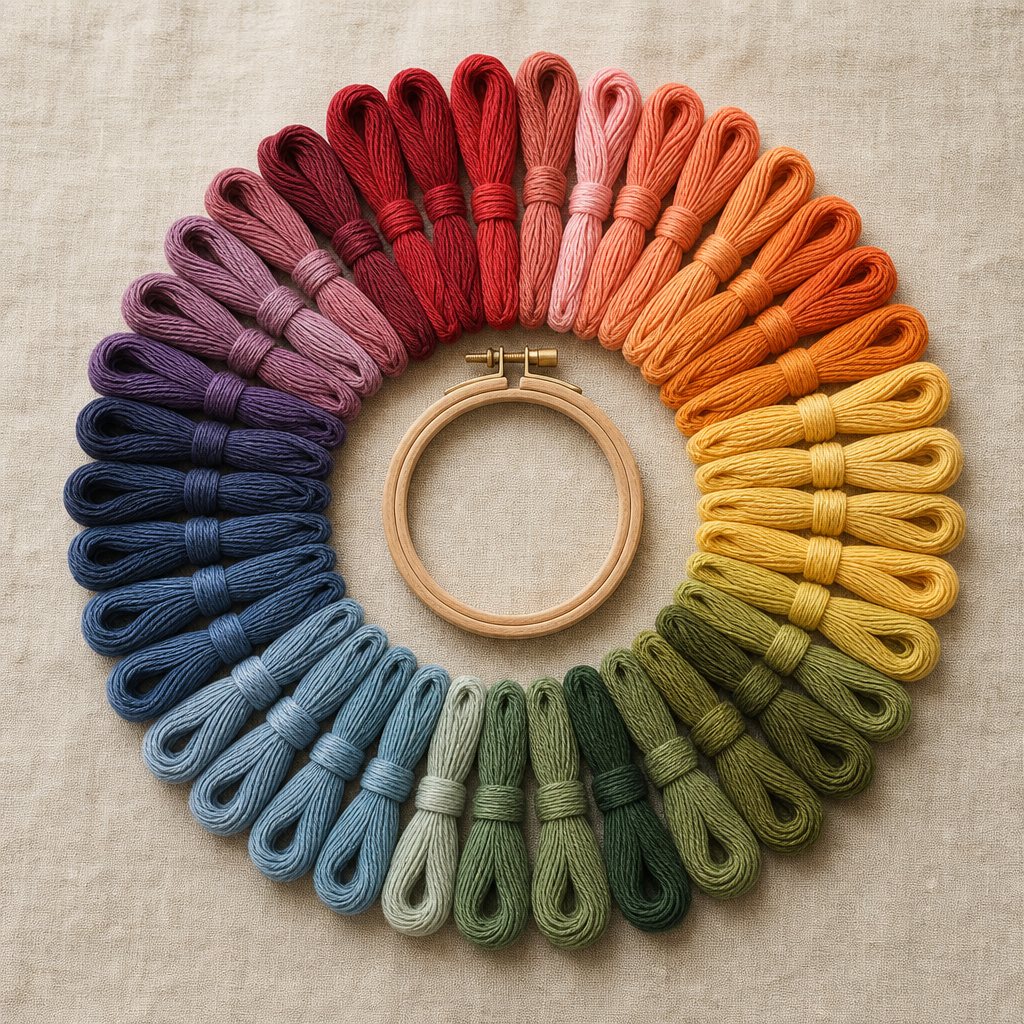
A beautiful picture is just the beginning. Make a pattern that works with your fabric, your threads, and your time.
Match your image to DMC floss colors, with thread codes and stitch counts. Set a smaller palette for a simpler project.
Adjust the stitch grid, choose your fabric count, and check the finished dimensions. Preview your stitches before picking up a needle.
Download a PDF with a symbol chart and DMC legend, or save a PNG. Keep your project in this browser to return to it later.
A few things you might be wondering.
Yes. Photo conversion, stitch previews, DMC color matching, PNG exports, and 5 PDF exports per account are free. You only need credits for AI image creation or editing.
You can start with a simple image and a small color palette. The exported PDF includes a symbol chart and DMC thread legend. You will still need fabric, floss, a needle, and basic cross stitch knowledge.
Photo to pattern converts an image as it is. AI create & edit brings new ideas and image changes into one place: describe what you want, with an optional reference image. Both lead to the same pattern studio.
Choose a clear subject, good contrast, and an uncluttered background. Photos, drawings, and simple illustrations all work. More stitches preserve detail; fewer colors make stitching simpler.
Direct photo conversion runs in your browser. AI features send your image and instructions to the configured AI provider. Saved patterns are stored in this browser, so they do not automatically sync across devices.
Yes. The current converter fills every grid cell, including the background. AI can simplify a busy background, but it does not create blank stitches or an unstitched subject mask.
Step-by-step guides on turning photos into cross stitch patterns, choosing DMC floss palettes, and calculating fabric sizes.
Step-by-step tutorial on converting images into stitchable charts: photo selection, grid sizing, DMC floss reduction, and symbol PDF exports.
Read guide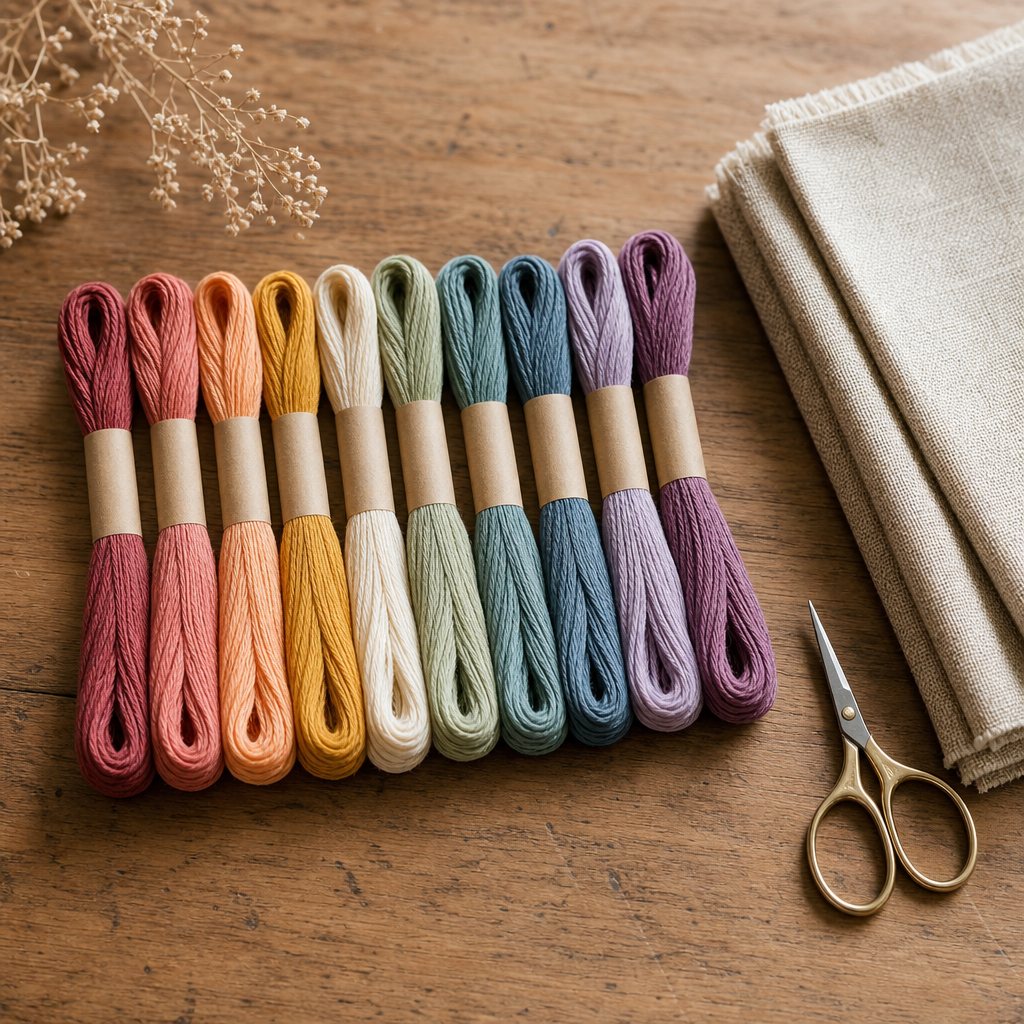
Learn how to limit your project to 15–40 DMC floss colors, eliminating confetti stitches while preserving realistic gradients.
Read guide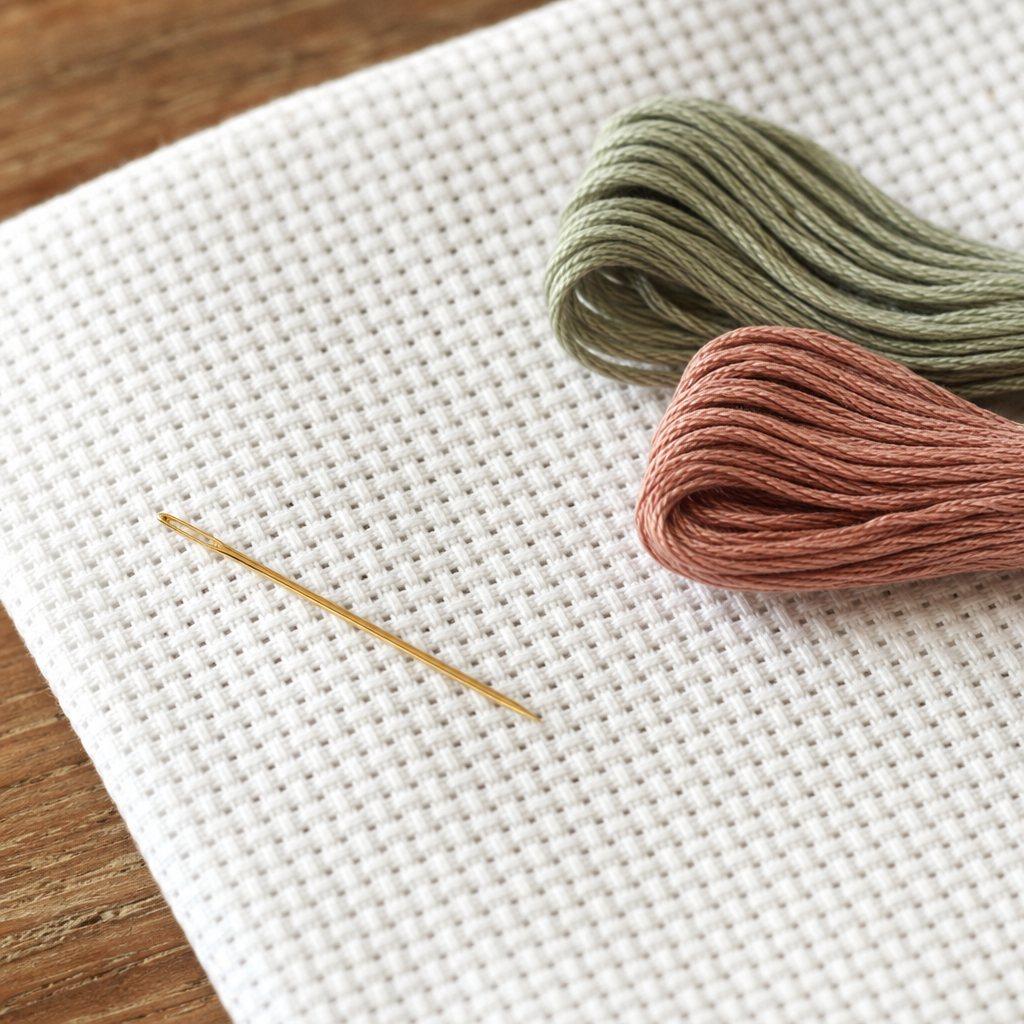
Calculate physical dimensions across 11ct, 14ct, 16ct, and 18ct Aida fabric with essential border allowances for framing.
Read guideYour favorite photo. Your own colors. Your next little project.