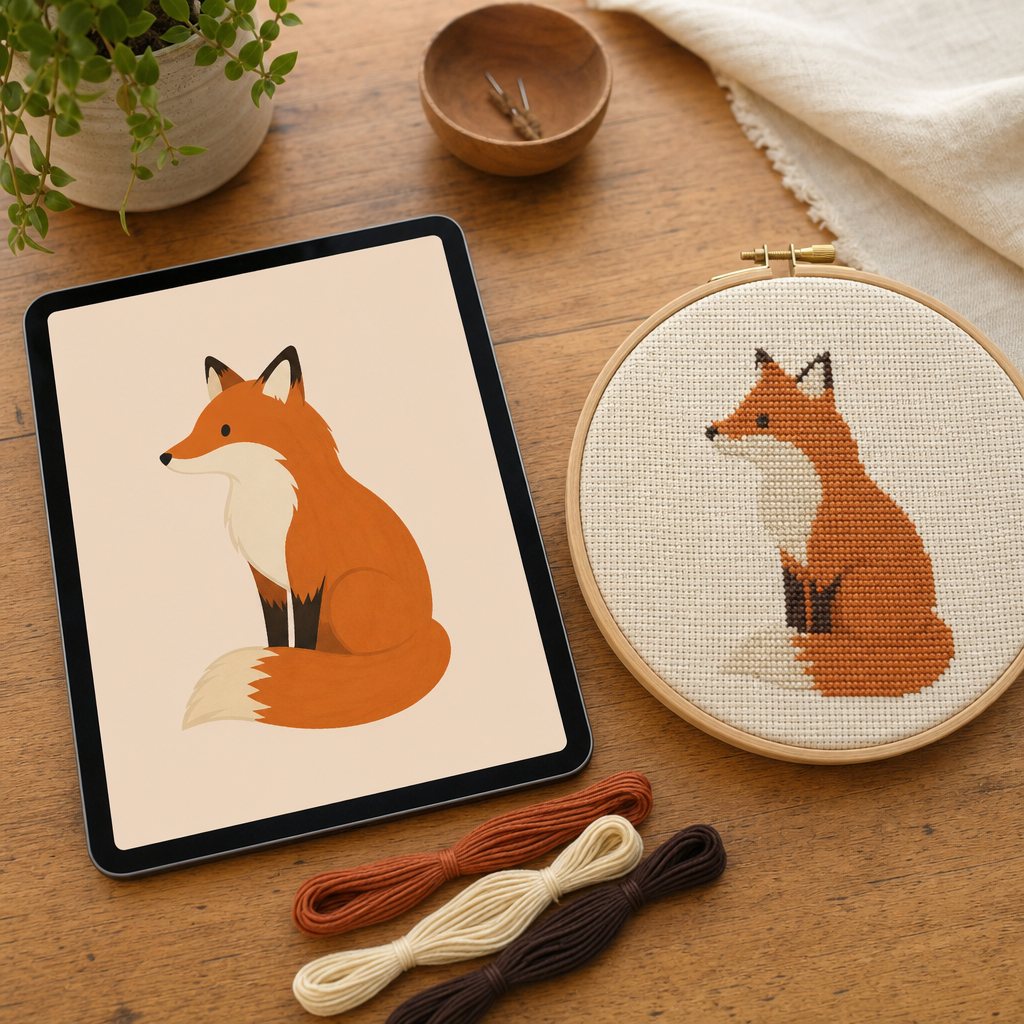
The optional AI button is often the most misunderstood feature in modern cross stitch software. Because of how generative AI is typically marketed, crafters frequently assume the AI generates the pattern itself.
Let's clarify exactly how the workflow works:
- The AI does NOT create your chart. Cross stitch charts in StitchCraft are generated by a local, deterministic conversion engine that maps pixels to DMC floss in perceptual CIELAB space and renders symbol grids. That engine runs 100% in your browser—free, unlimited, and private.
- The AI serves as an intelligent pre-processing tool. It redraws complex, textured photographs into clean illustration planes that are optimized for physical embroidery before the chart generator ever sees them.
The fundamental challenge of raw photos
Digital camera sensors record continuous visual data that does not naturally fit a discrete stitch grid:
- Sensor noise and compression artifacts: Random per-pixel grain that has no artistic meaning.
- Micro-textures: Every carpet fiber, lawn blade, and pore.
- Subtle lighting gradients: Continuous soft shadows that span hundreds of near-identical tones.
A standard pattern generator tries to represent every single variation, turning smooth skies into dithered noise and backgrounds into confetti.
The AI pre-processing step restyles the image with clean boundaries and flat color fills—much like how an experienced embroidery artist would illustrate the subject by hand.
When to use the AI pass
The AI pass shines in specific scenarios:
- Portraits with busy backgrounds: Prompts like "plain off-white background" instantly eliminate dozens of distracting thread colors.
- Landscapes and architecture: Converts complex tree foliage and brickwork into distinct tonal planes.
- Creating designs from pure text: If you don't have a reference photo, you can describe a motif (e.g., "vintage Scandinavian holiday sampler") and generate a clean, chart-ready image from scratch.
When to SKIP the AI pass (and convert directly)
Direct conversion is completely free and is often the best choice:
- High-contrast, clean photos: Clear pet portraits or studio shots with soft lighting convert beautifully without any AI assistance.
- Artwork that is already flat: Logos, pixel art, digital vector art, and existing illustrations need no redrawing.
- Documentary accuracy: If you are stitching an exact historic building or an heirloom keepsake where every brick and fold must match the original photo precisely, direct conversion preserves the original image without creative interpretation.
Summary
The core pattern maker in StitchCraft is always free and complete. Use direct conversion as your reliable everyday tool, and bring in the AI pass only when you need to transform a noisy, cluttered photo into a streamlined needlework piece.